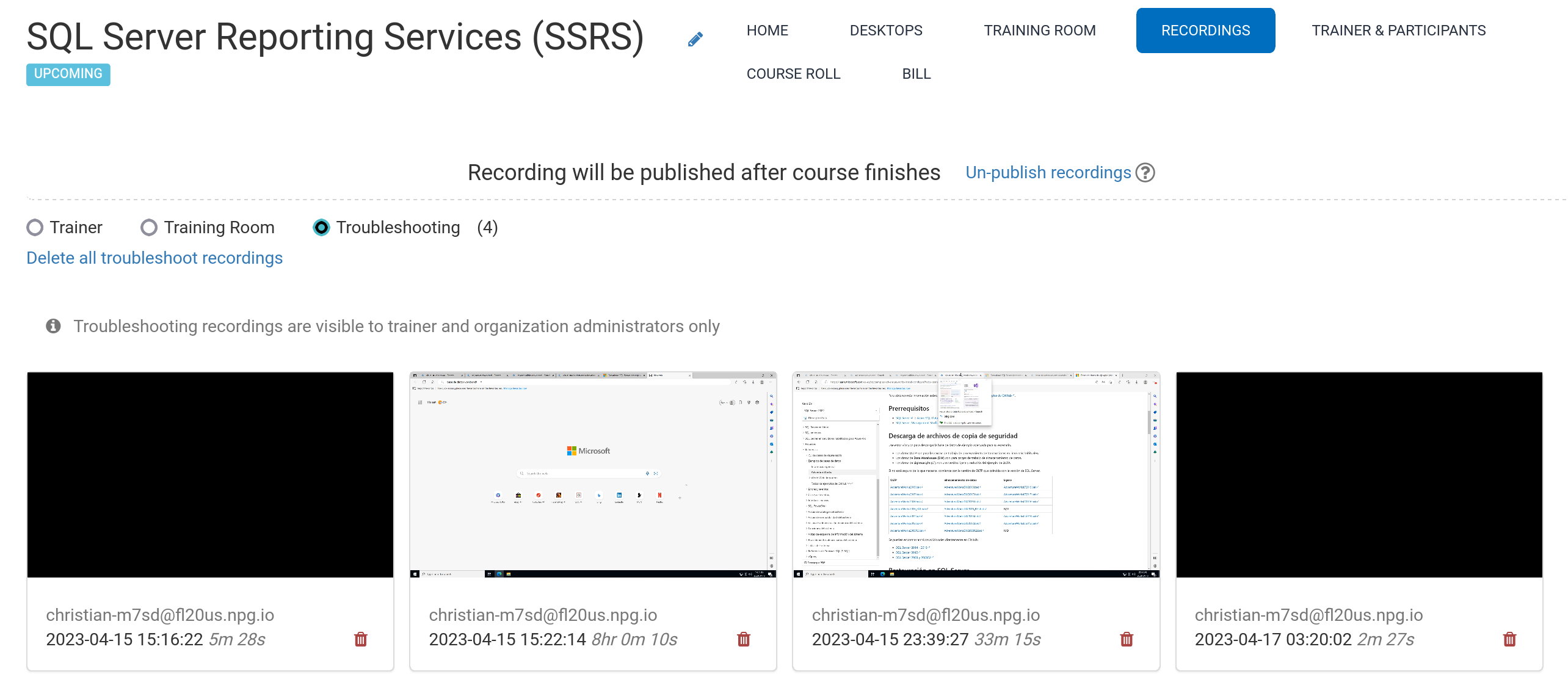
Auto Course recording (Trainer's Desktop)
Recordings of the Trainer's Desktop—or the Training Room, if it's in use during the course—are generated automatically while the course is in session.
To stop the recording, simply press the red button again.
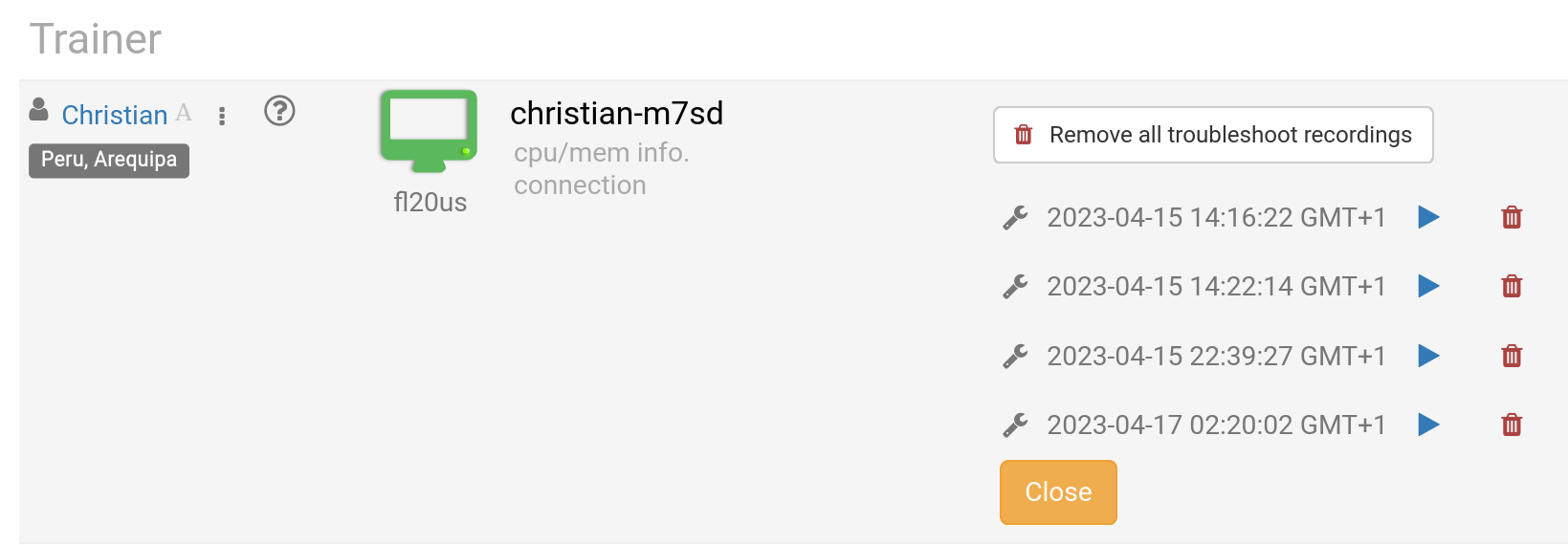
Trainers can remove any recordings as needed. Troubleshooting recordings are also generated automatically when the course is being set up, but these are only used to help resolve any configuration issues, if necessary.
You can review your recordings in the Recordings area, which is organised into three categories:
- Trainer
- Training Room
- Troubleshooting
Only Trainer and Training Room recordings are suitable for external publication.