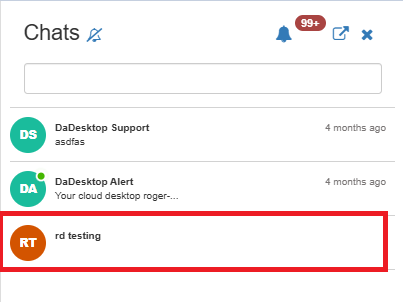
Course Chat
Course Chat is a feature that helps trainers, participants and support members communicate about the course currently in session. It's part of the training room.
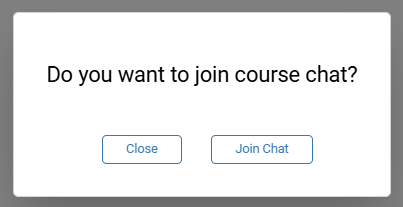
To join the course chat, simply enter the training room. From there, you'll be prompted to join.
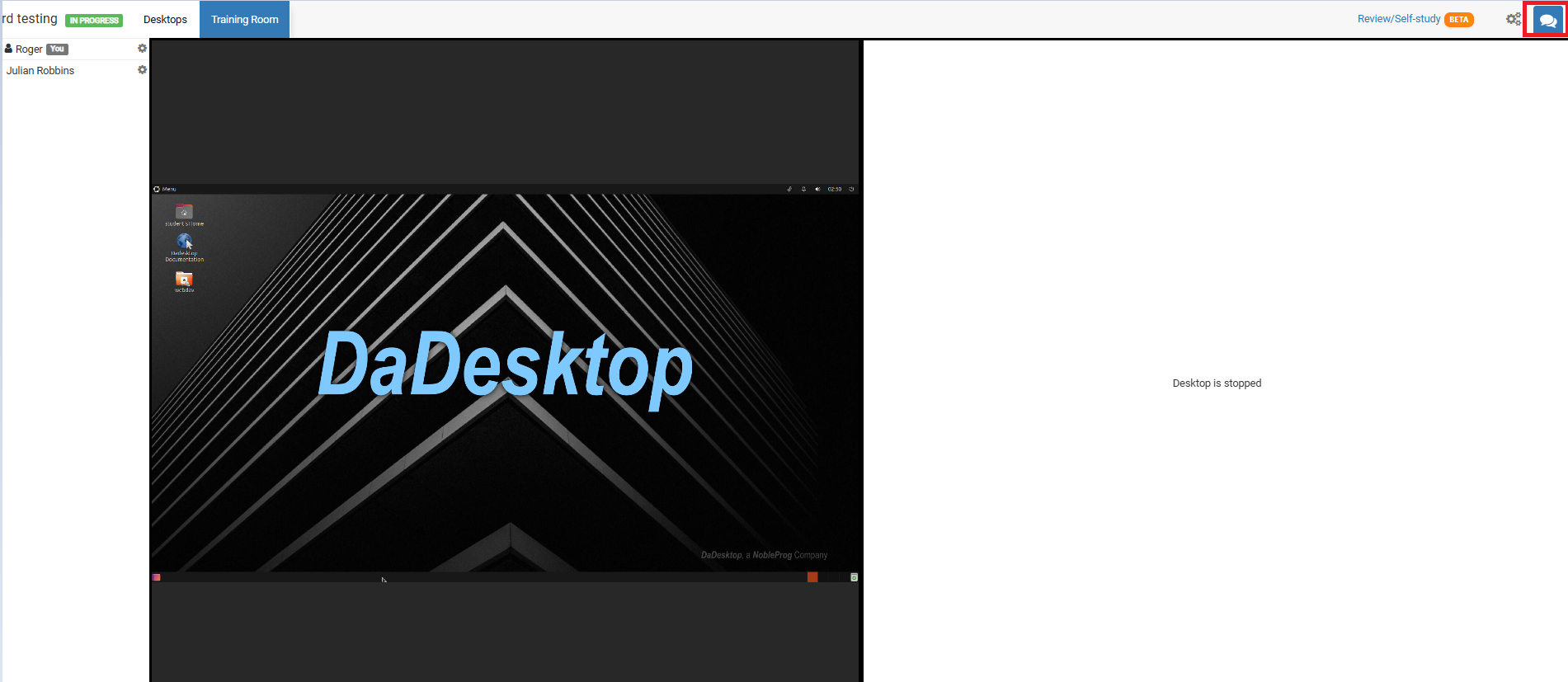
To access it at any other time, just click the chat icon in the top right-hand corner of the training room.
Once you click it, the chat interface opens on the left-hand side, and you'll see your course listed there. Notifications can be enabled (at the top of the chat interface) to hear a sound whenever a new entry is added to the course chat.