
Examples
DaDesktop is used in two, very distinct scenarios:
- Training and Development Cloud Desktops
- Work Desktops
Training and Development Cloud Desktops
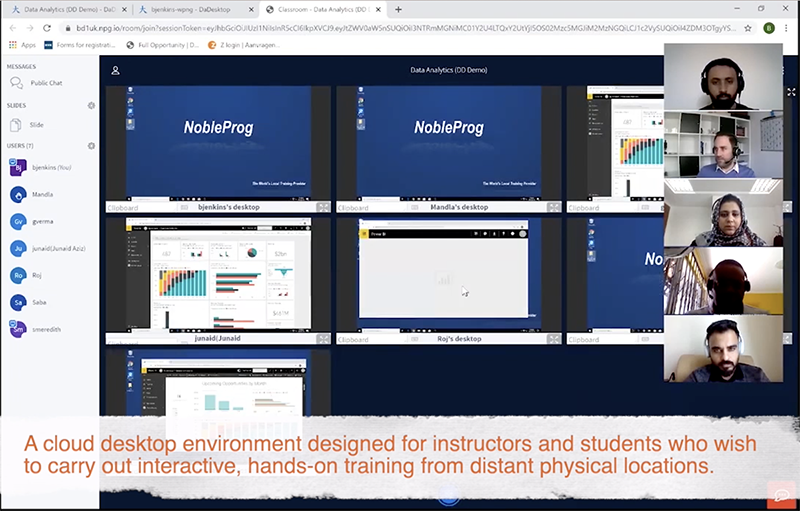
Training and Development desktops are optimised for speed and convenience. Access is readily granted to anyone with the link to the desktop. This is typically used for an interactive instructor-led cloud desktop environment or virtual classroom to deliver high-quality corporate training. Instructors or trainers can view the cloud desktops of their students and observe their participation during an online class.
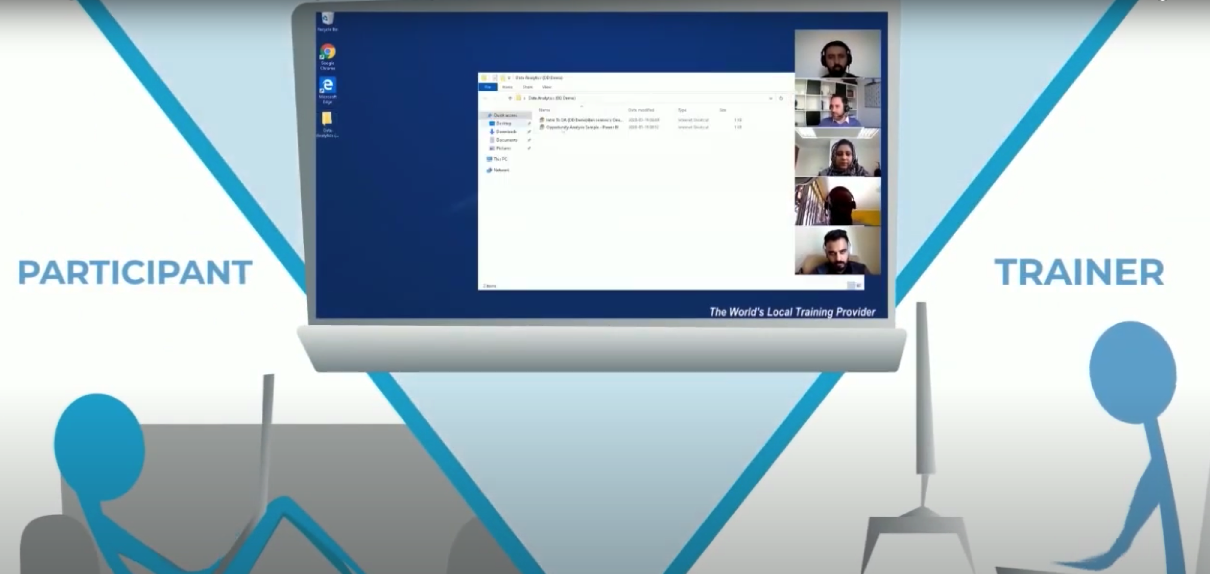
To effectively coach students, instructors have the ability to remotely access the student's desktop.
Training sessions can be screen recorded with audio for reference purposes.
DaDesktop is more than a learning management system!
Work Desktops
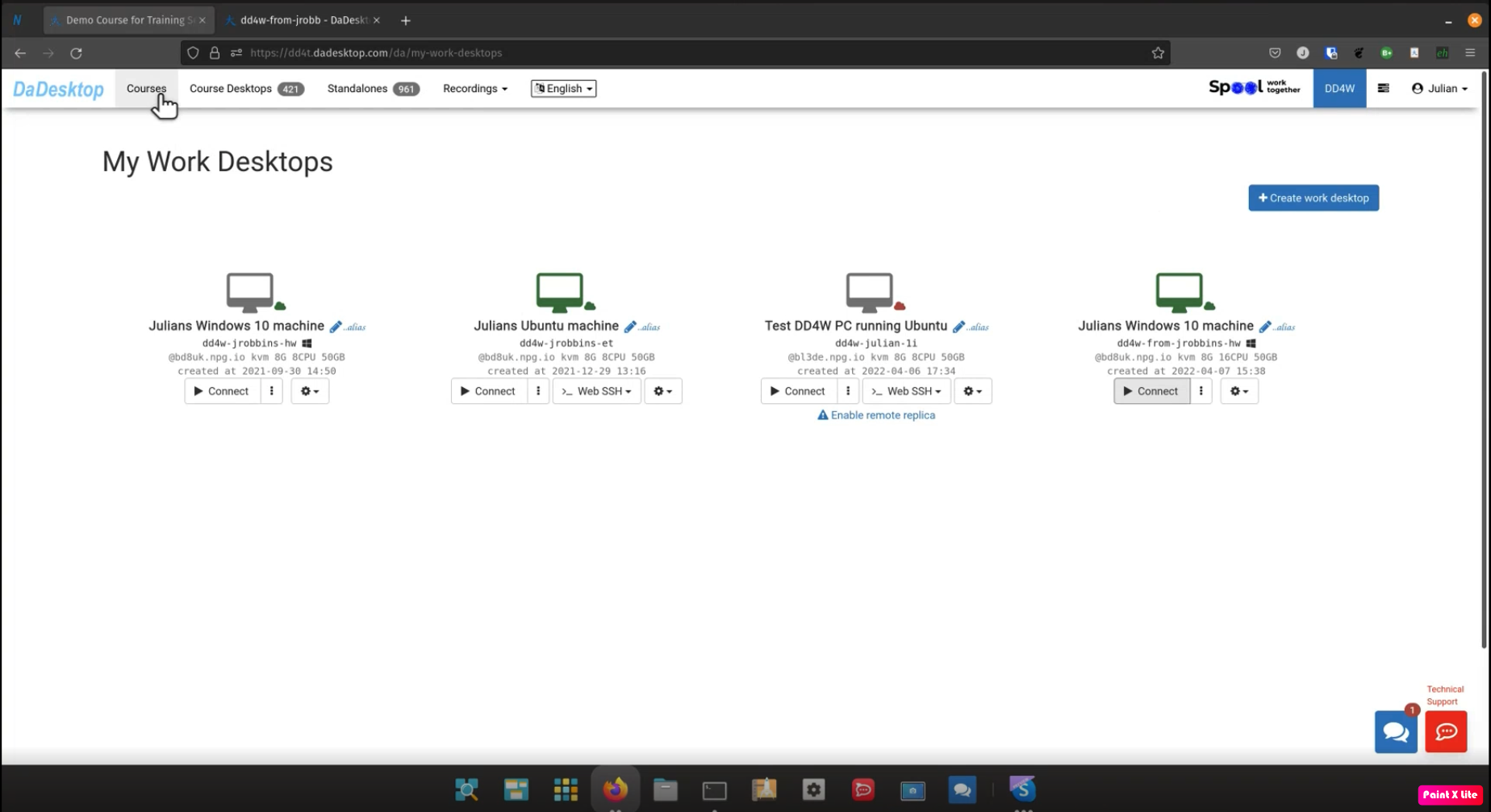
Work Desktops (DaDesktop for Work, or dd4w for short), can serve as employees' cloud desktops. The employer fully controls the data and software used by the employees, all data and communications are encrypted.
Securing Data
The employer can also restrict access to the data processed on the cloud desktop so that employees cannot transfer the data out. The clipboard and access to certain sites can be restricted, so that all the data will be securely processed on the virtual desktop itself.
Recording Actions
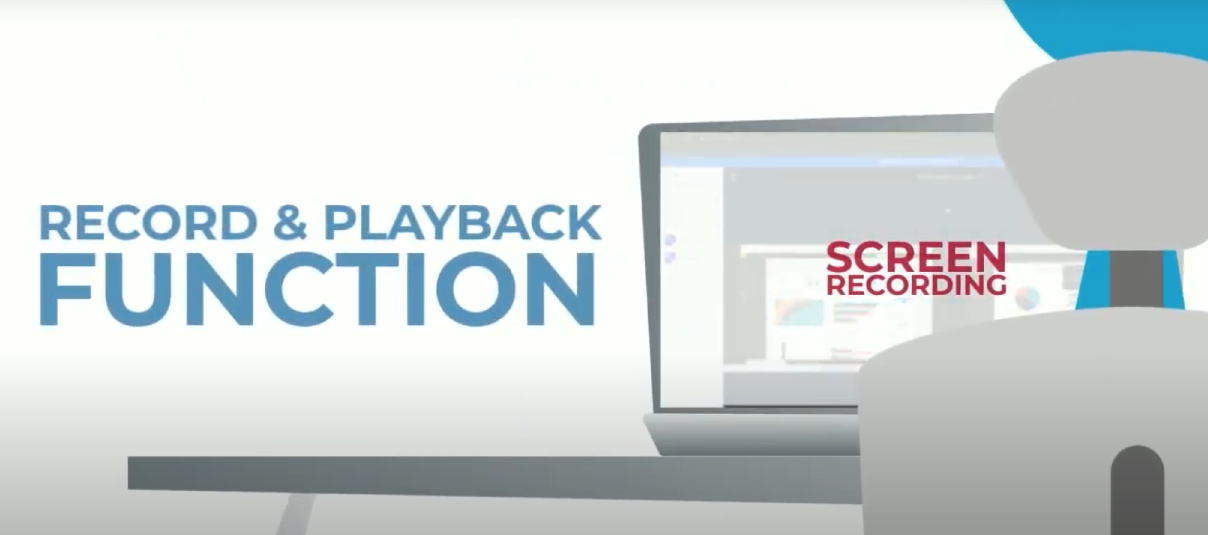
All user actions can be recorded in a very compact manner, allowing millions of hours of virtual desktop usage per employee to be stored. Analysis of fraudulent behaviour can be run on the recordings.
Secure Network
Access to internal corporate applications can be restricted only to DaDesktops, controlling access to confidential information and removing any threat of intercepting data on employees' personal computers.
DaDesktop is an absolute virtual office platform!